
Micro-ATM Cash Withdrawal: A Guide for Areas Without a Bank Branch
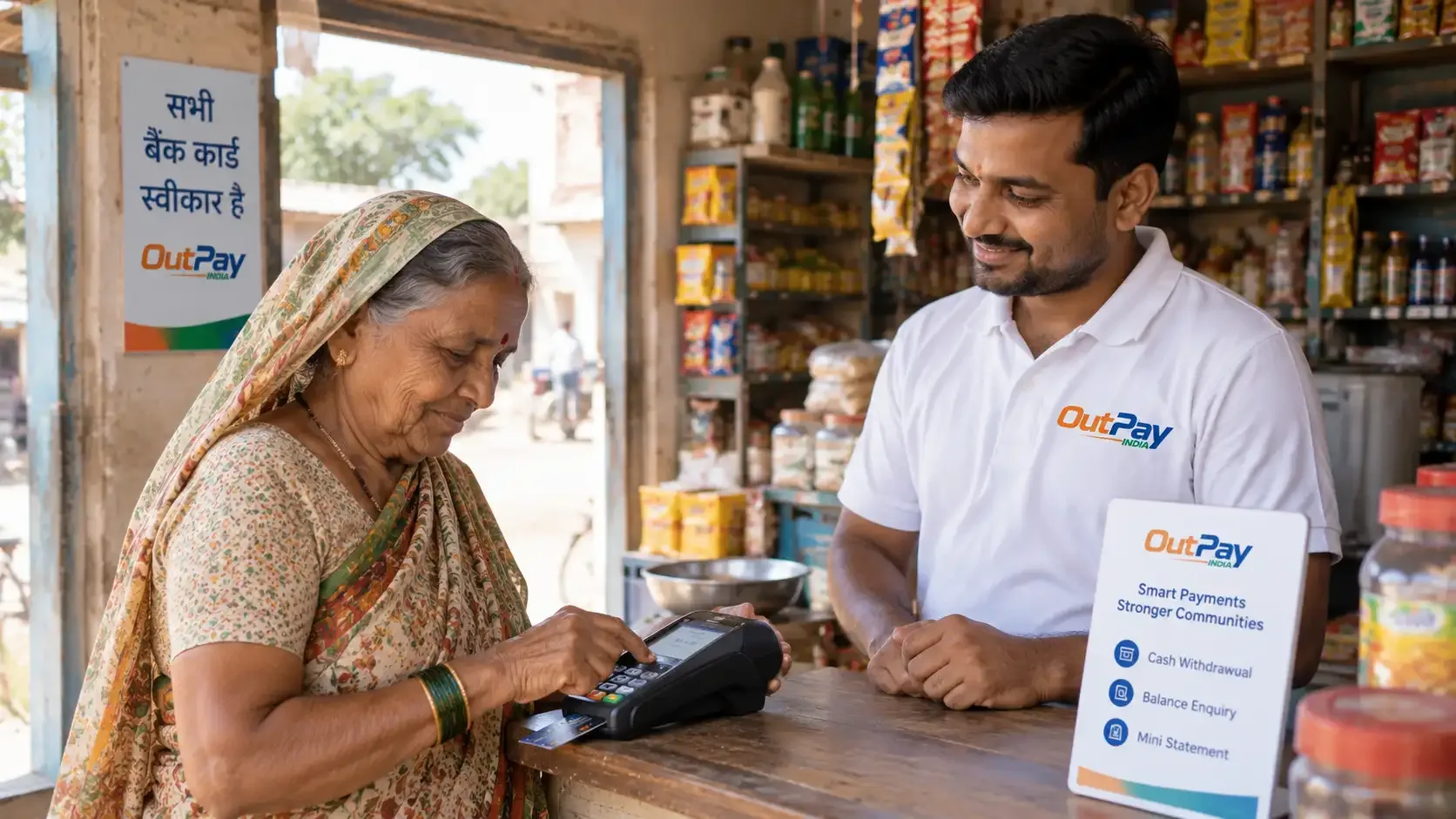
What a Micro-ATM lets you do
At an authorised OUTPAY merchant point, a Micro-ATM device lets you:
- Withdraw cash using your bank card
- Check your account balance
Services are made available through tie-ups with authorised banks and regulated partners, and are subject to eligibility, applicable limits and regulatory requirements.
What you need
- A debit or Rupay card issued by your bank.
- Your card PIN, entered only on the Micro-ATM's own keypad.
A Micro-ATM works like a compact card machine, so it does not need the same infrastructure as a full ATM, which is why it can reach neighbourhoods a standalone ATM or bank branch has not.
How a Micro-ATM transaction works
- Visit an authorised merchant point. Find one near you.
- Tell the merchant how much cash you need.
- Swipe or insert your card into the Micro-ATM device.
- Enter your card PIN directly on the device's keypad.
- The transaction is verified with your bank before it is completed.
- Collect your cash and your digital receipt.
Staying safe with a Micro-ATM
- Enter your PIN yourself, and shield the keypad with your other hand while you do.
- Confirm the exact amount on the device's screen before you authorise.
- Never share your card PIN or an OTP with the merchant or anyone else.
- Keep your digital receipt until the debit shows in your account.
Where can I use it?
Micro-ATM is one of several services at OUTPAY merchant points, alongside AePS and UPI cash access for people without a card handy. See all OUTPAY services, or read more about Micro-ATM Services.
Frequently asked questions
What is the difference between a Micro-ATM and AePS?
A Micro-ATM uses your bank card and PIN. AePS uses your Aadhaar number and a biometric scan instead of a card, so it's the better option if you don't have your card with you.
Do I need internet on my own phone to use a Micro-ATM?
No. The device itself handles the connection to your bank; you only need your card and PIN.
Is a Micro-ATM safe to use?
Yes, when used at an authorised merchant point. Enter your PIN only on the device's own keypad, shield it while typing, and never share your PIN or an OTP with anyone.