
UPI Cash Access Explained: Withdraw Cash Without a Debit Card
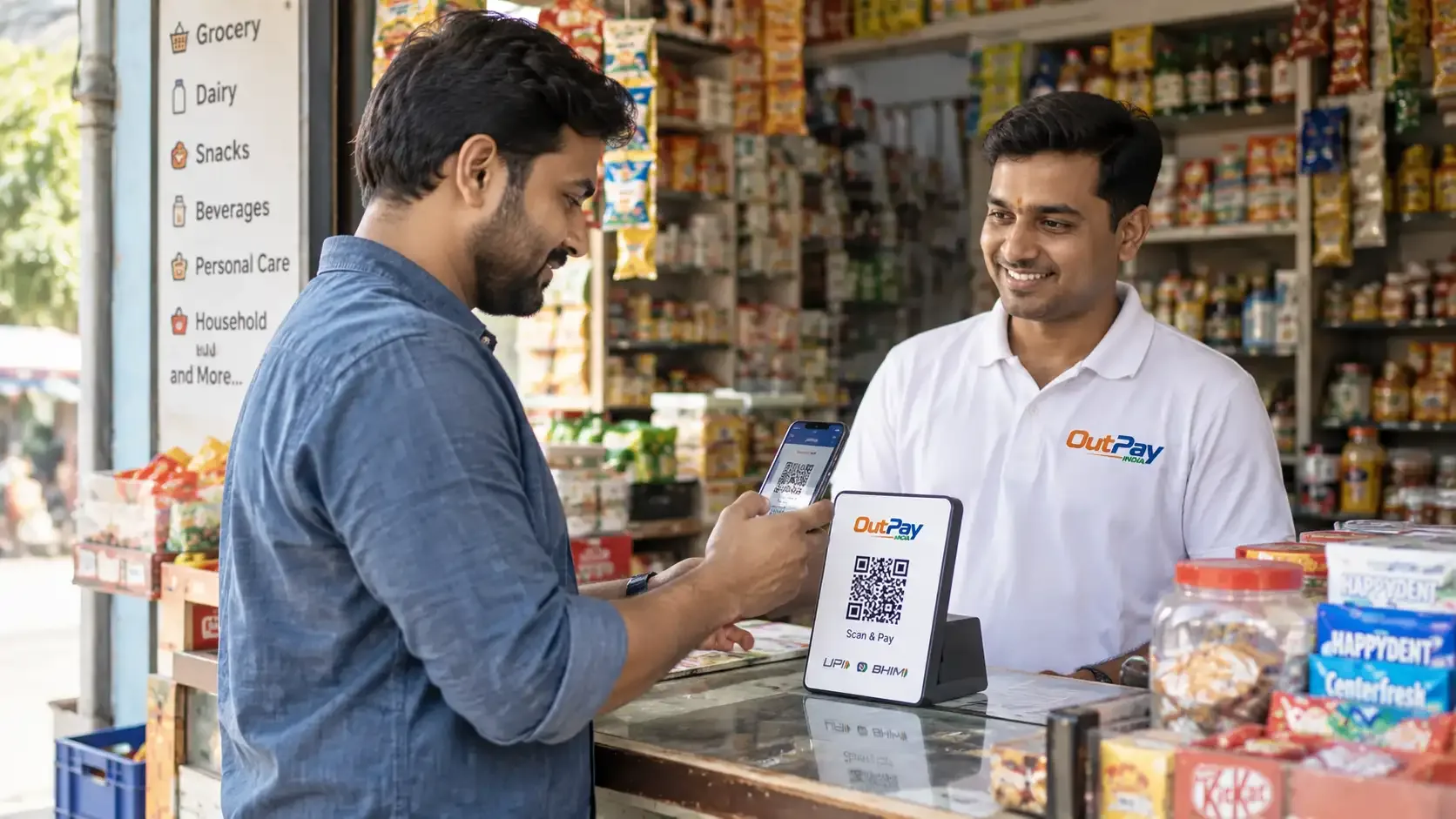
What UPI cash access lets you do
At an authorised OUTPAY merchant point, you can use UPI to:
- Withdraw cash
- Check your account balance
- Make merchant payments
Services are made available through tie-ups with authorised banks and regulated partners, and are subject to eligibility, applicable limits and regulatory requirements.
What you need
- A UPI-linked bank account and a UPI app, or a UPI ID you can use to approve a request.
- A smartphone to scan the merchant's QR code, or a mobile number registered for UPI.
You do not need a debit card, and you never enter your UPI PIN into the merchant's device.
How a UPI cash-access transaction works
- Visit an authorised merchant point. Find one near you.
- Tell the merchant how much cash you need.
- Scan the QR code shown at the counter using your own UPI app.
- Approve the request and enter your UPI PIN only inside your own app, never on the merchant's device.
- The transaction is verified before it is completed.
- Collect your cash and your digital receipt.
Staying safe with UPI cash access
- Only enter your UPI PIN inside your own banking or UPI app, never on someone else's device or screen.
- Check the amount shown on your own phone before you approve.
- Never share your UPI PIN or an OTP with anyone, including someone claiming to be from OUTPAY.
- Keep your digital receipt until you see the debit reflected in your account.
Where can I use it?
UPI cash access is one of several services at OUTPAY merchant points. See all OUTPAY services, or read more about UPI Cash-Access Services.
Frequently asked questions
Do I need a debit card to use UPI cash access?
No. You only need a UPI-linked bank account and your own UPI app to approve the transaction.
Where do I enter my UPI PIN?
Only inside your own UPI app on your own phone, never on the merchant's device or any screen the merchant shows you.
Is there a limit on how much cash I can withdraw?
Applicable limits depend on your bank and the payment network, and are shown at the point of transaction. Ask the merchant to confirm before you approve.